 Departures
Sleep
Quiet boards for your nightstand. Add the Departures widgets to iPhone StandBy, charge the phone on its side, and the clock and a second board sit there, flipping gently when something changes.
A personal projectFor iPhone
Your day, one flap at a time.
Departures turns an iPhone into a small railway-station board for your day. A split-flap clock, your next events, tasks, the weather, the next bus and the score flip into place on your nightstand in StandBy, or on your desk while you work.
Two places to glance
Choose one at the top of the app. Both use the same boards and the same Slate, Ivory and Clay colors, and neither invents anything: a board you haven’t set up says so instead of making up a bus.
Quiet boards for your nightstand. Add the Departures widgets to iPhone StandBy, charge the phone on its side, and the clock and a second board sit there, flipping gently when something changes.
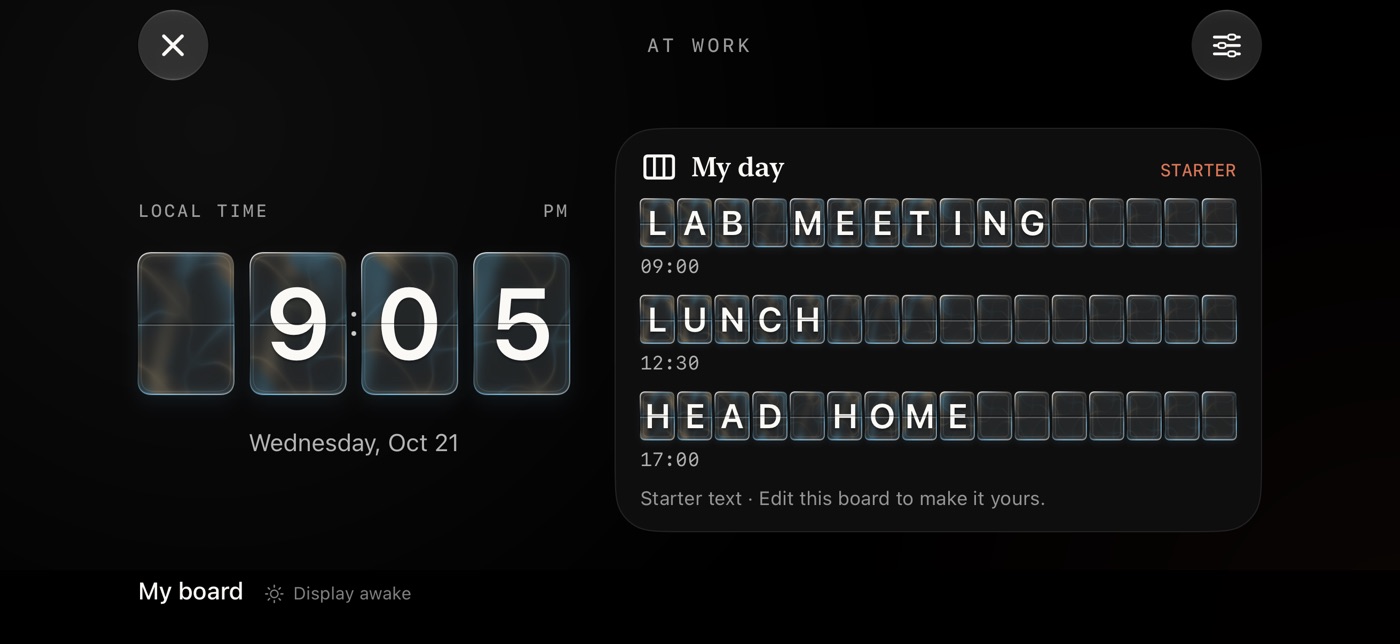
A full-screen display for your desk. A large clock, timer or stopwatch stays where it is while your boards take turns beside it in landscape, or beneath it in portrait.
The boards
Each board has a widget for StandBy and a place on the At work display. Departures only reads from your calendar and task apps. It never creates, completes or deletes anything in them.
The local time in 12- or 24-hour format, with the date. Works offline.
Your next events from the calendars on your iPhone, and from Google calendars added by their secret address. Marks ALL DAY and NOW.
Today and overdue, the next seven days, high priority, a filter of your own, or upcoming reminders.
Your next open tasks, overdue first, with the list name alongside. Google keeps a due date but no time, so the board shows none.
Three lines of your own text, each with an optional time or label. Works offline.
Current conditions, feels-like, the day’s high and low, and the chance of rain in the next hour, for where you are or a city you choose.
The next predicted buses at an Ann Arbor stop, from TheRide or U-M Magic Bus.
For each team you follow: the live score, else the latest final, else the next game and its channel.
The work display’s main instrument is a clock, a countdown timer (5, 10, 25, 45 or 60 minutes, or your own length) or a stopwatch, all on the same flap tiles. A finished timer plays a short cue with a tap of haptics, and sends a local notification if the app isn’t in front.
A look
Tiles come in two finishes, Mechanical with opaque beveled plates and Glass with translucent faces and moving light. The glass motion and sound are optional extras you can try in the app’s Glass Studio.
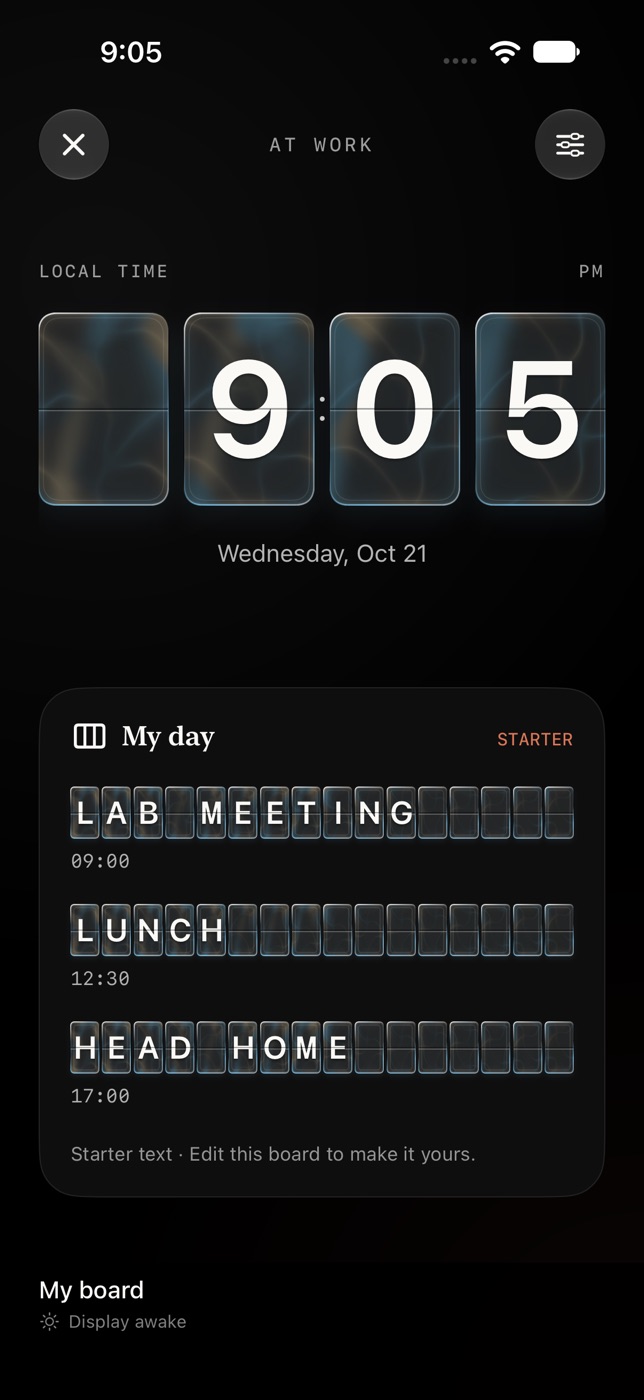
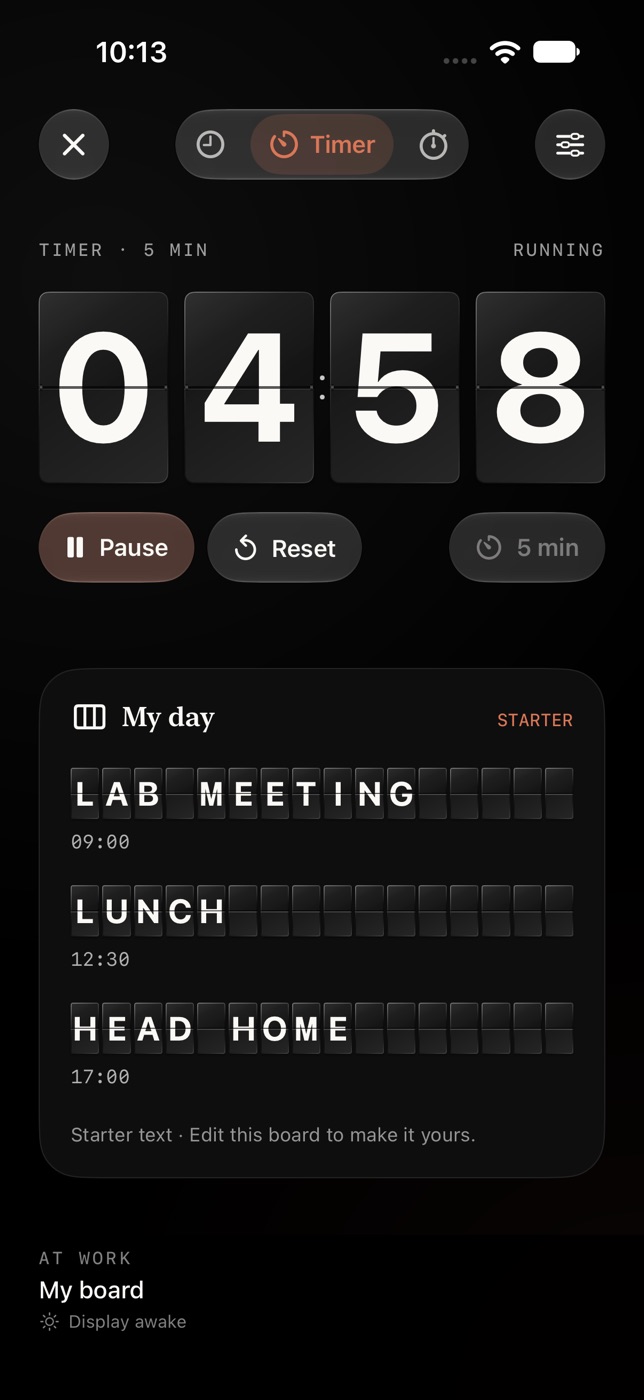
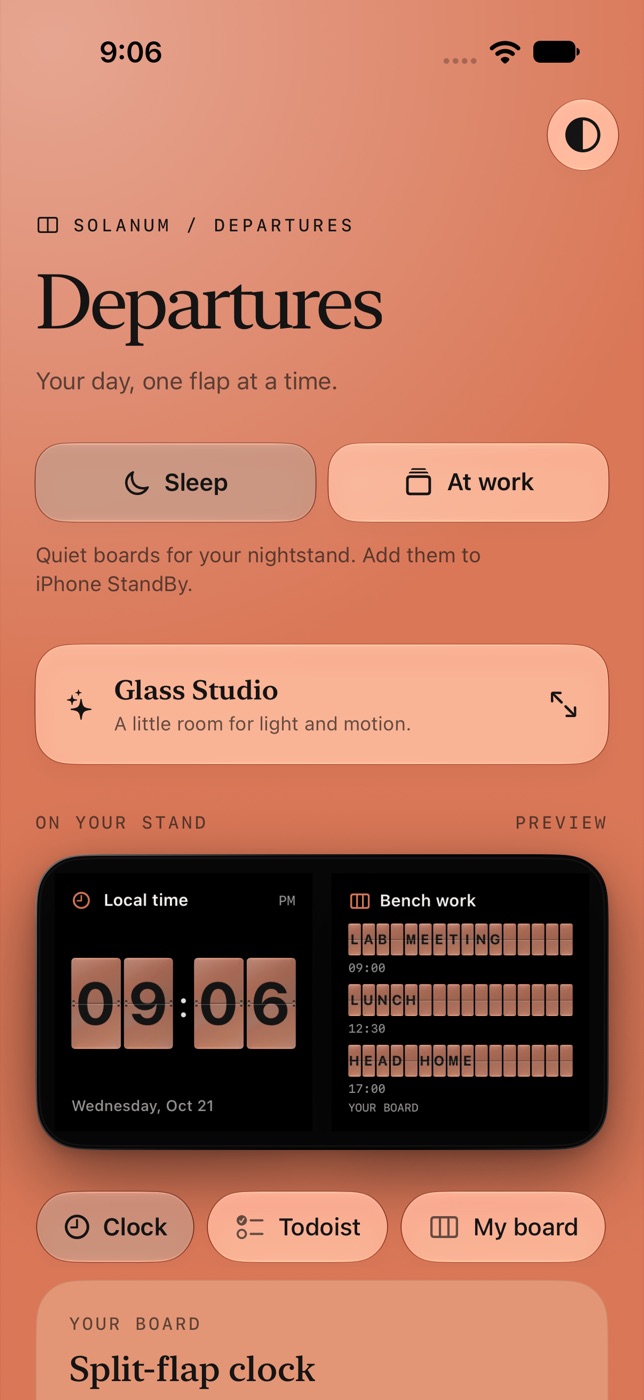
These are iPhone simulator captures, not photographs of a phone in StandBy. The text on the boards is the app’s starter text.
Your accounts, your phone
Departures has no account system, no server of its own, no ads, no analytics and no tracking. When a board needs information, your iPhone asks the service directly (Todoist, Google, Open-Meteo, a bus agency, ESPN) and keeps what comes back on the iPhone. Sign-ins and keys live in the iPhone’s Keychain, and you can disconnect any of them in the app.
Using Google data. If you sign in with Google for the Google Tasks board, Departures asks Google to let it view your tasks, plus your email address so it can show which account is connected. It never changes your tasks. It uses that data only to draw your board, on your device, and shares it with no one. The details, including Google’s Limited Use requirements, are in the privacy policy.
About
Departures is made for personal use. It isn’t on the App Store and isn’t offered for download here. This site exists so that you can see what the app is and what it does with your information, and because sign-in services such as Google and Todoist need a home page, a privacy policy and a return address for an app that signs in.
Questions, or something that looks wrong? Please open an issue on GitHub. Please don’t put tokens, calendar addresses or other private details in a public issue.